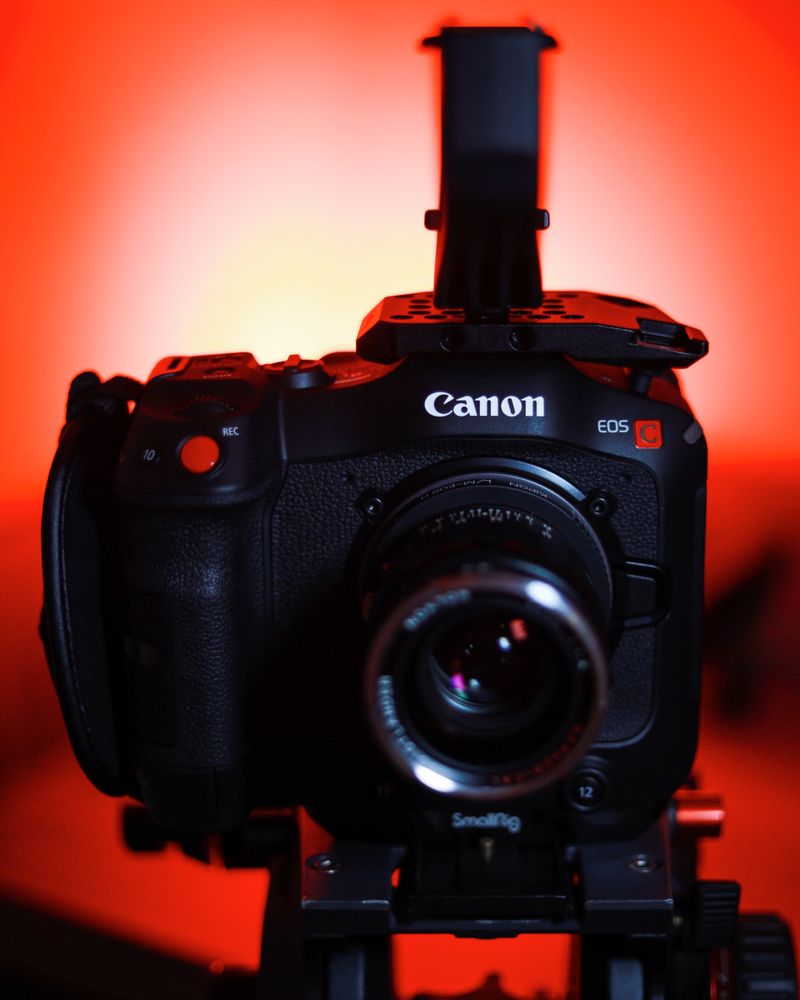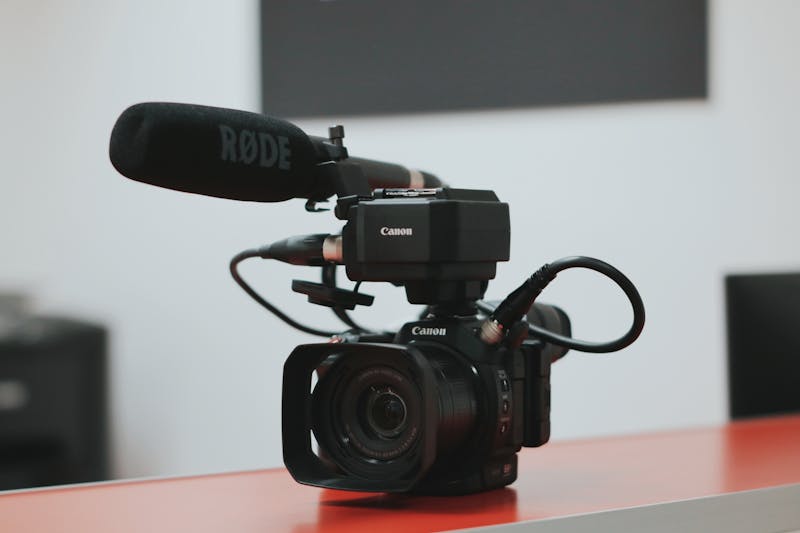
Canon C70 Cinema RAW Light LUTs: The Complete Colorist Guide
Canon's Color Science Legacy
Canon has long been praised for producing the most pleasing out-of-camera color in the industry. Their skin tones are often cited as the gold standard, with warm, natural rendering that requires minimal correction. This means that LUTs for Canon cameras do not need to "fix" the color — instead, they should enhance and stylize what is already an excellent foundation.
Cinema RAW Light Workflow
Cinema RAW Light is Canon's compressed raw format, offering the flexibility of raw with manageable file sizes. It retains all the color and dynamic range information of the sensor, giving you complete freedom in post-production.
Step-by-Step LUT Application
- Import Cinema RAW Light into DaVinci Resolve or Adobe Premiere
- Set your color space to Canon Log 3 / Cinema Gamut
- Apply a Canon Log 3 to Rec.709 technical LUT as your base
- Add your creative LUT on a subsequent node
- Adjust intensity to taste
- Fine-tune skin tones and contrast
Our Canon C70 LUT collection leverages the camera's exceptional color science as a foundation. Every LUT has been tested across multiple C70 shoots in varied conditions. Discover our Canon LUT collection at thiagovibesp.com.
Get Professional LUTs for Canon
Camera-specific LUTs calibrated for Canon footage. Transform your color grading workflow with our professional collections.